
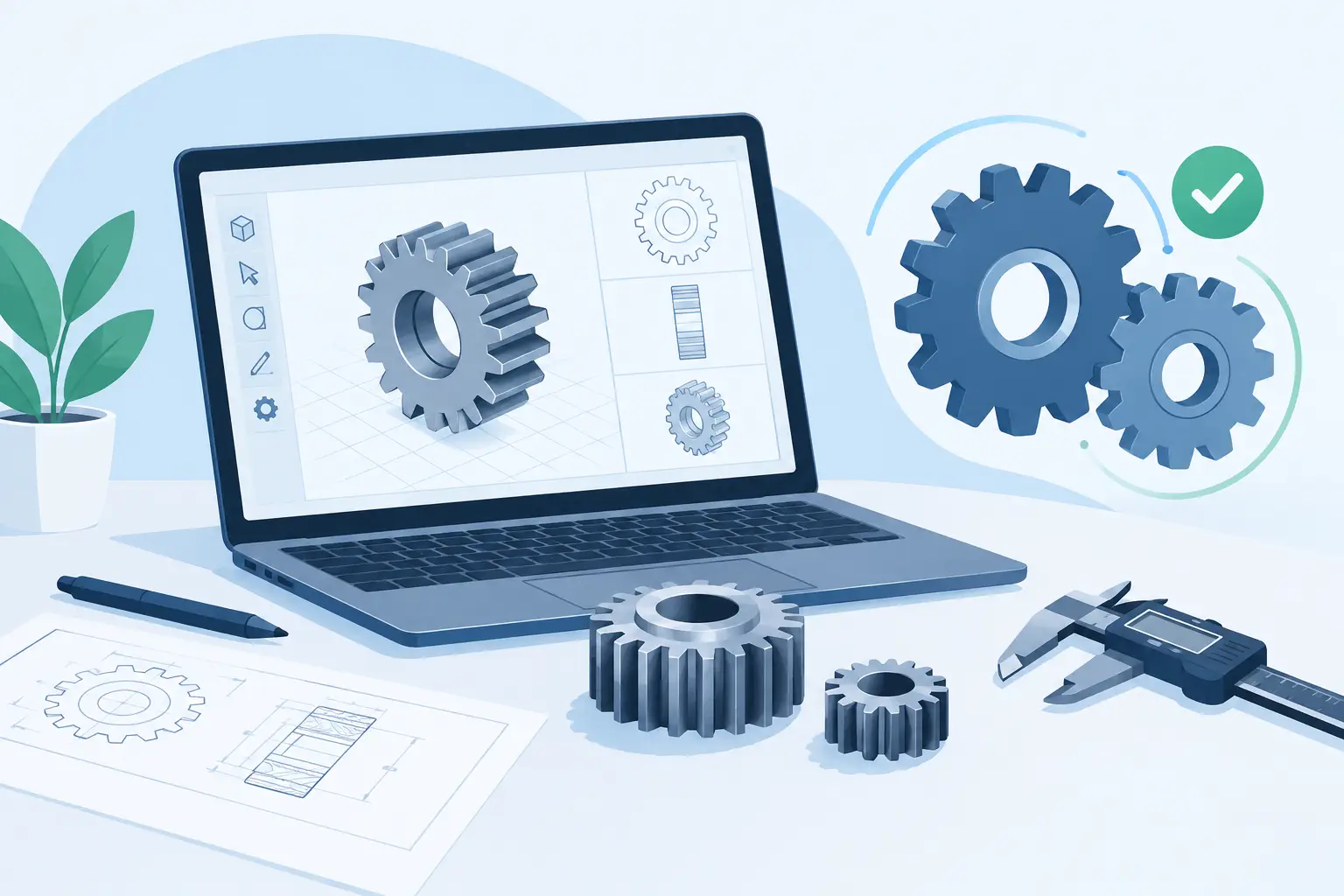
A gear pair can look correct in a CAD viewport and still fail before it reaches the machine. Teeth may mesh visually while the centre distance is wrong. A shaft may pass through a hub while leaving no room for a bearing, retaining feature or housing wall. That is the difference between generic modelling and purpose-built gear design tools: the useful ones keep the mechanism, not just the solid, under control.
For a prototype shop, machine builder or product team, the question is not whether software can generate a toothed cylinder. Most packages can. The question is whether it helps you make decisions that survive manufacture, assembly and use.
What gear design tools should solve
A practical gear-design workflow starts with the transmission requirement: ratio, input speed, torque, package size, duty cycle and available motor interface. Gear geometry follows from those decisions. The software should make this relationship visible rather than treating each component as an isolated model.
For spur and helical pairs, that means working from a true involute tooth system, with module, pressure angle, tooth count, face width and helix angle linked to the centre distance and ratio. If one value changes, dependent geometry should update with it. A user should not need to rebuild two gears manually after changing a reduction from 3:1 to 4:1.
The same principle applies beyond the tooth flanks. A usable design includes shafts, bores, keyways or other torque-transfer features, bearings, housing clearances and interfaces to the motor or driven load. These are not secondary details. They determine whether the assembly can be built.
Generic CAD remains the right choice for custom housings, frames and complex surrounding products. It is less efficient when every standard transmission begins with equations, sketches, tooth-profile construction and repeated interference checks. A gear calculator is faster at the first calculation, but often stops before it provides assembly geometry or export-ready parts. Specialist tools sit between those extremes: parameter-driven enough for engineering, focused enough for rapid configuration.
Configure geometry before modelling detail
The fastest route to a reliable design is to establish the governing parameters before adding cosmetic detail. Start with the required ratio and the constraints imposed by the available envelope. A compact drive may need a planetary gearbox or cycloidal reducer; an open, serviceable machine may favour a conventional spur or helical pair. A rack-and-pinion system changes the problem again, because travel, pinion rotation and mounting alignment matter alongside tooth geometry.
Start with the tooth system
Module and pressure angle must match across meshing gears. Tooth count affects ratio, size and undercut risk. Face width affects load capacity and stiffness, but more width is not automatically better: it can increase material, create alignment sensitivity and exceed the practical limits of the support structure.
Helical gears can provide smoother engagement and higher overlap than spur gears, particularly where noise matters. They also introduce axial thrust. That load must be carried by the bearing arrangement and resisted by the housing. Choosing helical teeth without checking the bearing consequence is a common way to turn a quiet drive into an awkward assembly.
A focused tool should expose these choices in engineering terms. It should not hide them behind a decorative gear icon or a preset with unexplained assumptions.
Let packaging affect the mechanism
A ratio that works on paper may not fit the product. Larger tooth counts can reduce undercut concerns, yet push the centre distance beyond the available space. A small pinion may package neatly but demand a geometry that is difficult to manufacture or unsuitable for the intended load.
Planetary arrangements are particularly sensitive to coordinated dimensions. Sun, planet and ring teeth must satisfy meshing relationships, while planet placement, carrier geometry, bearing positions and output interfaces must coexist inside the available diameter. The result is powerful packaging, but it is not a mechanism to assemble from unrelated parts.
This is where parameter-driven assembly geometry earns its place. Change the ratio, inspect the revised stack-up, then decide whether the trade-off remains acceptable. Decisions stay visible.
Inspect the whole mechanism, not isolated gears
A rendered single gear tells you very little about a drivetrain. Inspection should happen at assembly level, preferably with live 3D views and exploded views that make interfaces understandable.
Look first at the obvious contacts: gear mesh, bore-to-shaft fit, bearing seats, housing walls and motor mounting faces. Then inspect the less obvious consequences of the layout. Can a bearing be inserted during assembly? Is there sufficient shoulder length to locate it? Does a hub collide with a fastener path? Can the output shaft be retained without compromising the gear position?
Exploded inspection is useful because it tests the logic of assembly. A mechanism may be geometrically valid in its final position yet impossible to put together in that order. This matters most in compact gearboxes, where bearings, gears, spacers and covers compete for the same axial space.
Visual inspection is not a substitute for calculation, but it catches spatial mistakes early, when changing a parameter costs seconds rather than a remodelling session. Useful detail by default means seeing enough of the system to ask the right question before sending files to production.
Validate constraints while changes are cheap
The best gear design tools do not merely report a result. They identify configurations that should be reconsidered. Engineering checks may flag an invalid tooth relationship, problematic dimensions, a geometry conflict or a bearing-fit issue. These checks are guardrails, not permission to ignore design judgement.
A warning can mean different things depending on the application. A prototype for a hand-operated demonstrator may tolerate a compromise that a production actuator cannot. Conversely, a design intended for repeated duty in a machine needs more conservative choices around support, material, lubrication and thermal behaviour.
Treat automated validation as a first pass through known rules. It does not replace torque calculations, contact stress analysis, lubrication selection, tolerance planning or testing under real load. It does reduce the number of basic errors that reach those later stages.
Bearing guidance is especially valuable in compact systems. Bearing size affects shaft diameter, radial envelope, axial stack length and housing design. It also affects the credibility of the load path. If a proposed gear and shaft arrangement leaves no plausible bearing placement, the design is unfinished, even when the tooth pair itself meshes perfectly.
Export manufacturing geometry, not a screenshot
A drivetrain concept becomes useful when it can move into downstream work. That means exporting the right geometry in the right format, with enough fidelity for the next process.
STL is appropriate for many additive-manufacturing workflows and fast physical checks. It is a practical way to assess fit, assembly order and basic motion before committing to machined parts. Its limitations are familiar: mesh quality, dimensional requirements and post-processing must suit the printer and application.
STEP is generally the better handoff for mechanical CAD, machining preparation and collaboration with suppliers. It carries solid geometry that can be placed into a larger assembly, referenced for housing design or used as a starting point for production drawings. DXF has a different role, often supporting two-dimensional profiles or fabrication workflows where a flat pattern or defined outline is required.
Export alone is not the standard. The exported gear must remain connected to the parameters that made it manufacturable: tooth form, bore, hub, shaft relationship and assembly position. GearSuite is designed around that sequence - configure, inspect, validate and export - so users can create manufacturing-oriented mechanism geometry without rebuilding standard transmission elements from scratch.
Choose the level of tool for the job
A simple online calculator may be enough when you need to check a ratio or estimate pitch diameter. General CAD may be enough when a gear is a minor feature in an otherwise highly custom product. Neither is necessarily wrong.
A specialist platform becomes more valuable when the drivetrain is central to the product, packaging is tight, several interfaces must agree, or repeated concepts need to become real parts quickly. The return is not only faster geometry creation. It is fewer disconnected decisions between tooth design, shafts, bearings, housings and export.
There is also a sensible distinction between occasional and frequent work. An occasional user may only need a single manufacturable export for a prototype. A team developing a family of compact drives benefits more from cloud projects, reusable configurations and broader export capacity. The right access model should reflect how often the mechanism changes and how often those changes must reach production.
The next useful step is not to model a gear from memory. Define the load path, choose the transmission architecture, and use a tool that lets every critical interface answer the same question: can this be made, assembled and run?