
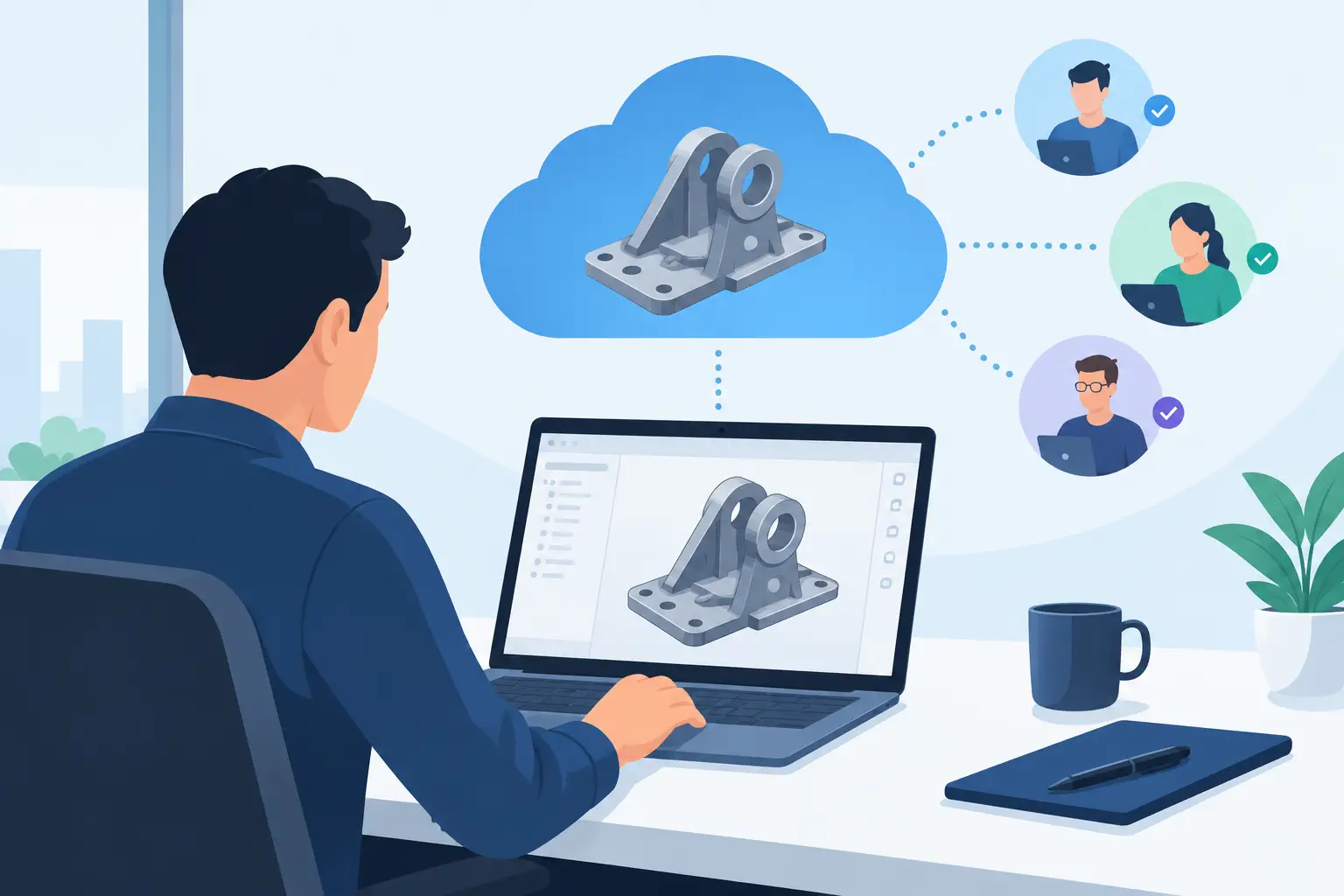
A cloud CAD tool can look convincing in a five-minute demonstration. A model rotates in the browser, a colleague adds a comment, and a part exports. That is not enough to support a production decision. Useful cloud CAD reviews examine whether the system preserves engineering intent when dimensions change, assemblies grow, and the design must leave the screen as a real part.
For mechanical teams, the browser is only the delivery method. The real question is whether the platform helps produce controlled, manufacturable geometry without hiding the decisions that determine fit, function and cost.
Start with the mechanism, not the feature list
Most reviews begin with generic categories: ease of use, cloud storage, collaboration and price. Those matter, but they can obscure the reason a team needs CAD in the first place. A product developer creating a bracket, a machine builder laying out a shaft train, and a prototype shop preparing an export have different failure modes.
Set a test task that resembles actual work. For a transmission project, that may mean defining a ratio, selecting a tooth system, setting module and pressure angle, positioning bearings, creating shafts and checking housing clearances. For a fabricated assembly, it may mean controlling sheet thickness, bends, holes and mounting interfaces. The task should force the tool to show how it handles dependencies rather than merely producing a visually plausible solid.
This approach also prevents a common mistake: rewarding a general-purpose modeller for flexibility when a specialist workflow would have reached a better answer faster. Flexible tools have a place, especially where geometry is genuinely novel. Standard mechanisms benefit from constraints and engineering knowledge built into the workflow.
What cloud CAD reviews should test
Parametric control under change
A parametric model earns its value when requirements move. Change a bore diameter, centre distance, gear ratio or mounting pattern. Then inspect what follows. Do related features update predictably? Are failed dependencies visible? Can another engineer understand which dimensions drive the design?
A clean model tree is useful, but it is not the full test. The key issue is whether design intent is explicit. If a shaft shoulder exists to locate a bearing, the bearing seat, adjacent gear position and retaining feature should remain understandable as a system. If each change requires several manual repairs, the apparent convenience of browser access soon disappears.
For gear-driven mechanisms, check whether the software works from real tooth geometry or from simplified representations. True involute profiles, helical parameters, backlash allowances and centre-distance relationships affect more than the drawing. They determine whether the pair will mesh as intended after manufacture.
Assembly geometry and interfaces
A part model can be accurate and still fail as an assembly. Review how the platform represents mates, clearances, interference and moving relationships. A mechanism needs interfaces between shafts, bearings, gears, housings, fasteners and motor mounts to stay coherent.
Ask practical questions. Can you see whether a bearing has sufficient support? Does the tool expose a collision between a gear face and a housing wall? When the motor interface changes, can you identify the affected mounting geometry? An exploded view is helpful for inspection, but it should not substitute for properly related assembly components.
The level of assembly capability required depends on the job. A one-off adapter may need little more than reference geometry and a reliable export. A compact gearbox needs much more: axial stack-up, bearing positions, shaft shoulders, gear face widths and enclosure clearance all interact. Reviews should state this scope clearly rather than treating every product as a replacement for every CAD category.
Engineering checks that arrive early
Cloud access does not make a design engineering-ready. Checks do. Look for validation that appears while decisions can still be changed cheaply: infeasible gear combinations, insufficient space, incompatible bearing fits, impossible ratios or geometry that cannot produce a valid solid.
The quality of these checks matters. A vague warning is less useful than feedback tied to the parameter causing the issue. Engineers need to know whether a constraint is a hard geometric limit, a standards-based recommendation or a manufacturing consideration requiring judgement.
Specialist platforms can be stronger here than broad CAD systems because they know the mechanism they are building. GearSuite, for example, focuses the workflow around true involute gear pairs, planetary gearboxes, cycloidal reducers and rack-and-pinion systems, rather than asking users to construct every relationship from a blank workspace. That is not a universal advantage. It is an advantage when the mechanism is the work.
Inspection without installing a desktop application
One benefit of browser-based CAD is easier access to the model across design, procurement and workshop teams. Reviewers should test this beyond simple viewing. Can users inspect dimensions, isolate components, section the assembly and understand the current configuration without editing it accidentally?
Live 3D inspection is particularly valuable for compact mechanisms, where a small axial error can be difficult to spot in a table of dimensions. Rotation, transparency, sectioning and exploded states help expose the relationship between parts. Still, visual clarity must sit alongside numerical control. A convincing render cannot confirm a shaft fit or tooth profile.
Permission handling is part of the same test. Teams need to distinguish between people who can view, configure, edit and export. For external suppliers or customers, controlled visibility is often more useful than unrestricted model access.
Exports are the point where claims meet production
A cloud CAD review that stops at modelling misses the hand-off. Test exports using the file types your downstream process requires, then open them in the receiving software or send a sample through the expected manufacturing route.
STL is relevant for additive prototypes, but resolution and watertightness still need checking. STEP is usually the more significant test for exchanging editable solid geometry with manufacturing and engineering partners. DXF may be essential for profiles, plates or laser-cut components. The availability of a format is not enough: inspect whether the exported body has the expected geometry, orientation and units.
Also examine commercial limits with the same care as geometry. Some services restrict exports by format, quantity, component type or plan. That can be reasonable, particularly where occasional STEP credits serve infrequent users while subscriptions support active projects. It should simply be visible before a team builds its workflow around the tool.
Collaboration is useful only when decisions remain visible
Cloud collaboration is often presented as simultaneous editing. In mechanical design, traceability can be more valuable. A project should make it clear which configuration is current, who changed a critical parameter and what must be checked after that change.
Review version handling with a realistic scenario. One engineer adjusts gear ratio to suit a new motor speed. Another alters the housing envelope to fit an existing machine. Can the team compare the alternatives, recover an earlier configuration and avoid exporting the wrong revision? If not, the cloud merely makes confusion accessible from more devices.
For smaller teams, the requirement may be simpler: reliable cloud projects, sensible naming and a clear route from configured mechanism to exported part. Do not pay for enterprise administration if the work does not need it. Equally, do not underestimate revision discipline because the team is small.
Judge speed by completed engineering work
Browser performance matters, particularly with larger assemblies and complex solids. But loading time is only one component of speed. Measure the time from requirement to inspected, validated exportable geometry.
A general CAD package may be faster for a custom enclosure with unusual surfacing. A mechanism-specific tool may be faster for a gearbox because it eliminates repeated calculations, manual tooth construction and assembly placement. Neither result is contradictory. The appropriate review compares tools against the work they are intended to perform.
Before choosing a platform, run one design that you would genuinely be prepared to manufacture. Change the requirements halfway through, inspect the assembly, trigger its checks and export the files. The right tool will make the engineering decisions easier to see, not easier to ignore.